
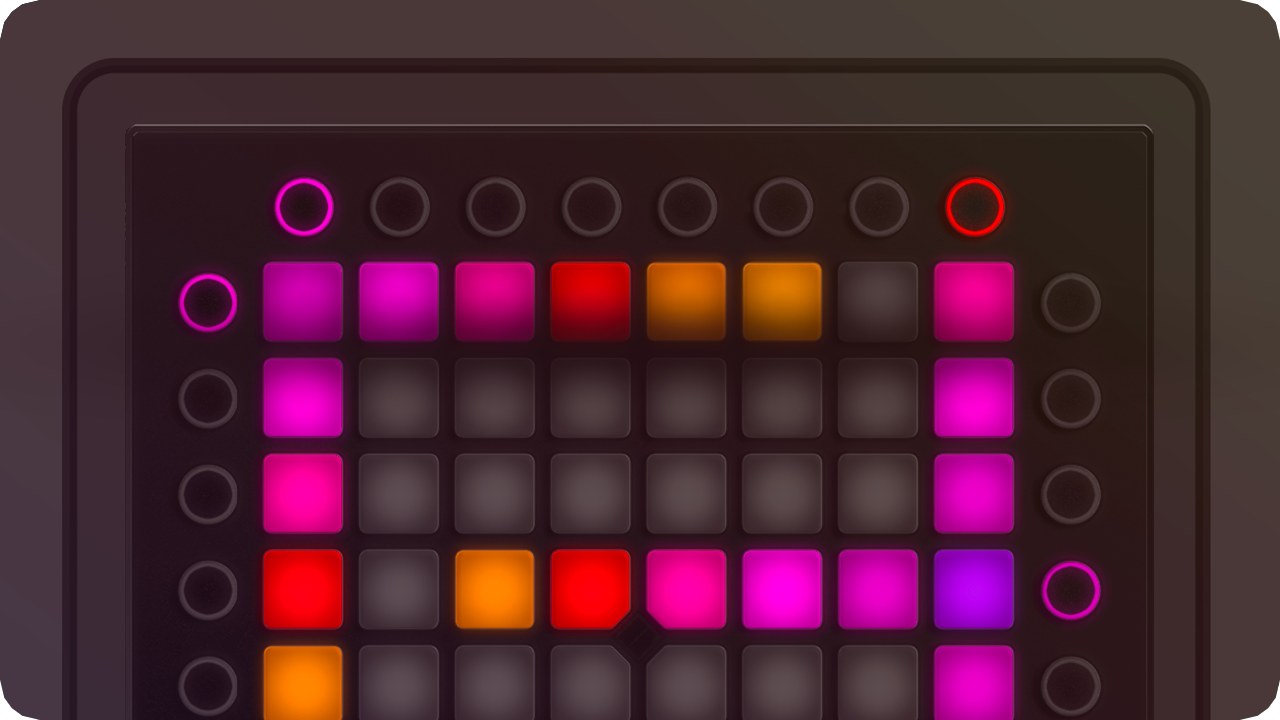
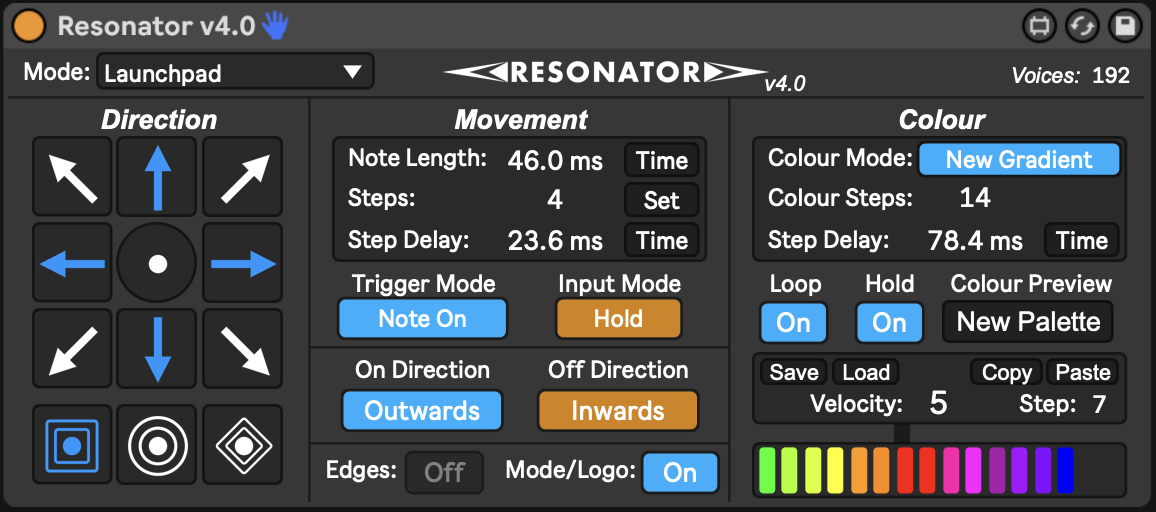
Resonator v4.0 is here and it brings some of the best updates yet. Here’s a glimpse at what’s new:
New note rendering framework, sequential layers, gradient hold/loop modes, voices, new behaviour combinations, and more!
Resonator - Touch reactive MIDI Light Effects
Resonator is the most powerful device for creating moving, reactive effects which intelligently respond to the buttons you press. Resonator can turn an otherwise simple pressed LED MIDI button, into a display of emanating lines and shapes dependant on MIDI input. Resonator also generates gradients to follow your newly generated effects and shapes, or, just add a gradient to the singular button you’ve pressed, making a more visually appealing lightshow, showcasing the samples you are pressing. Resonator is designed to work with Launchpads / XY layout controllers, piano RGB and raw LEDs.
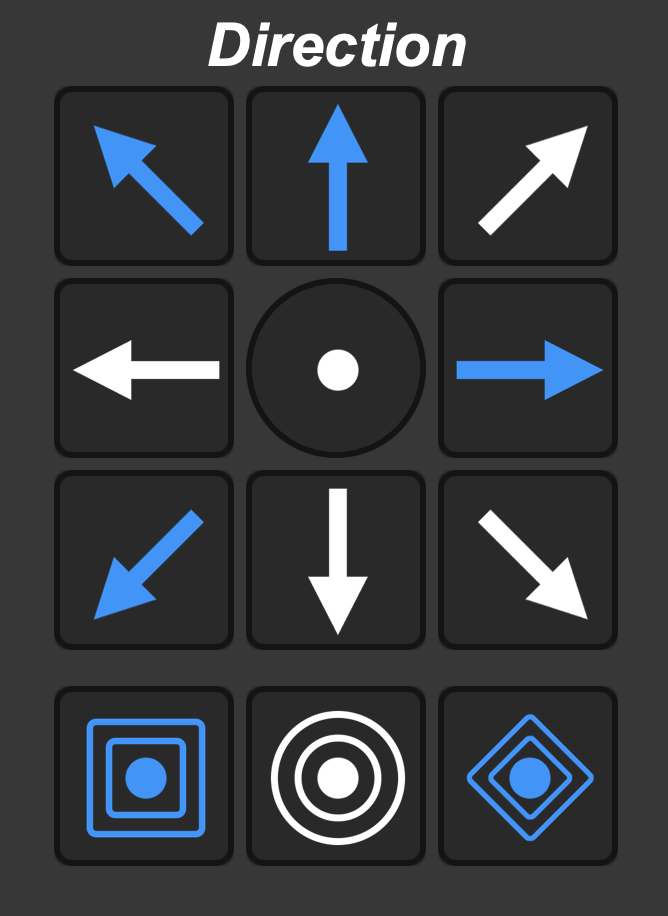
This way? That way? Every way.
Resonator features eleven different directions & shapes in which to generate reactive MIDI. All of which can be enabled simultaneously to generate lines of MIDI lights in multiple directions at once. Resonator features Up, Down, Left, Right, UpLeft, UpRight, DownLeft, DownRight, as well as shape generators like Square, Circle and Diamond modes. Turn all modes off to only allow single MIDI to pass through the Resonator Direction configuration, and go straight to the gradient/colour mode.
Layers upon layers.
New to Resonator v4.0, a new internal layering system allows for procedurally generated light effects that were never before possible. v4.0 enabled different procedurally generally effects to overlap each other, and not interfere or cancel out previous or future resonator effects, everything acts on its own layer independently, and ensures that every line, every circle, is as smooth as it can be with 0 interruptions. The all-new voices control sets a maximum for how many Resonator effects you would like to show at once from one Resonator.
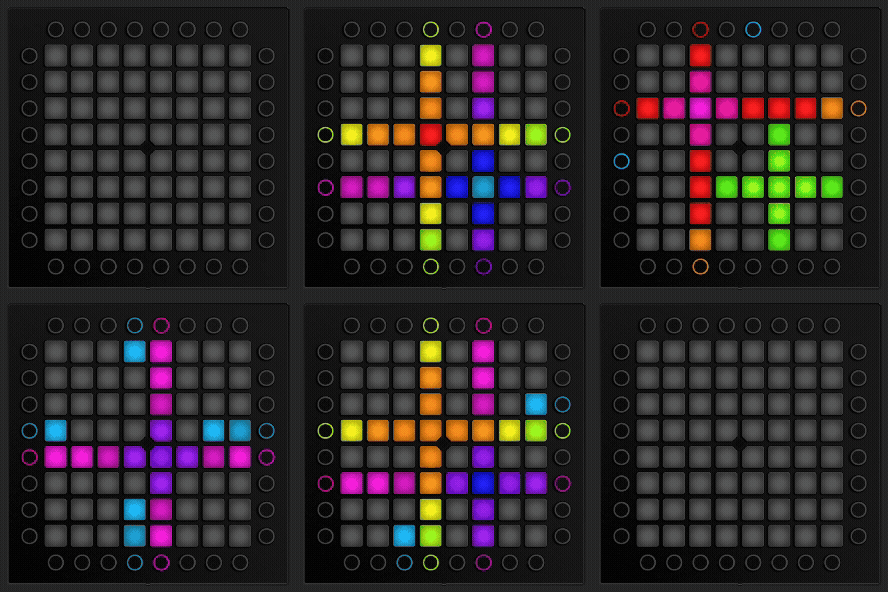
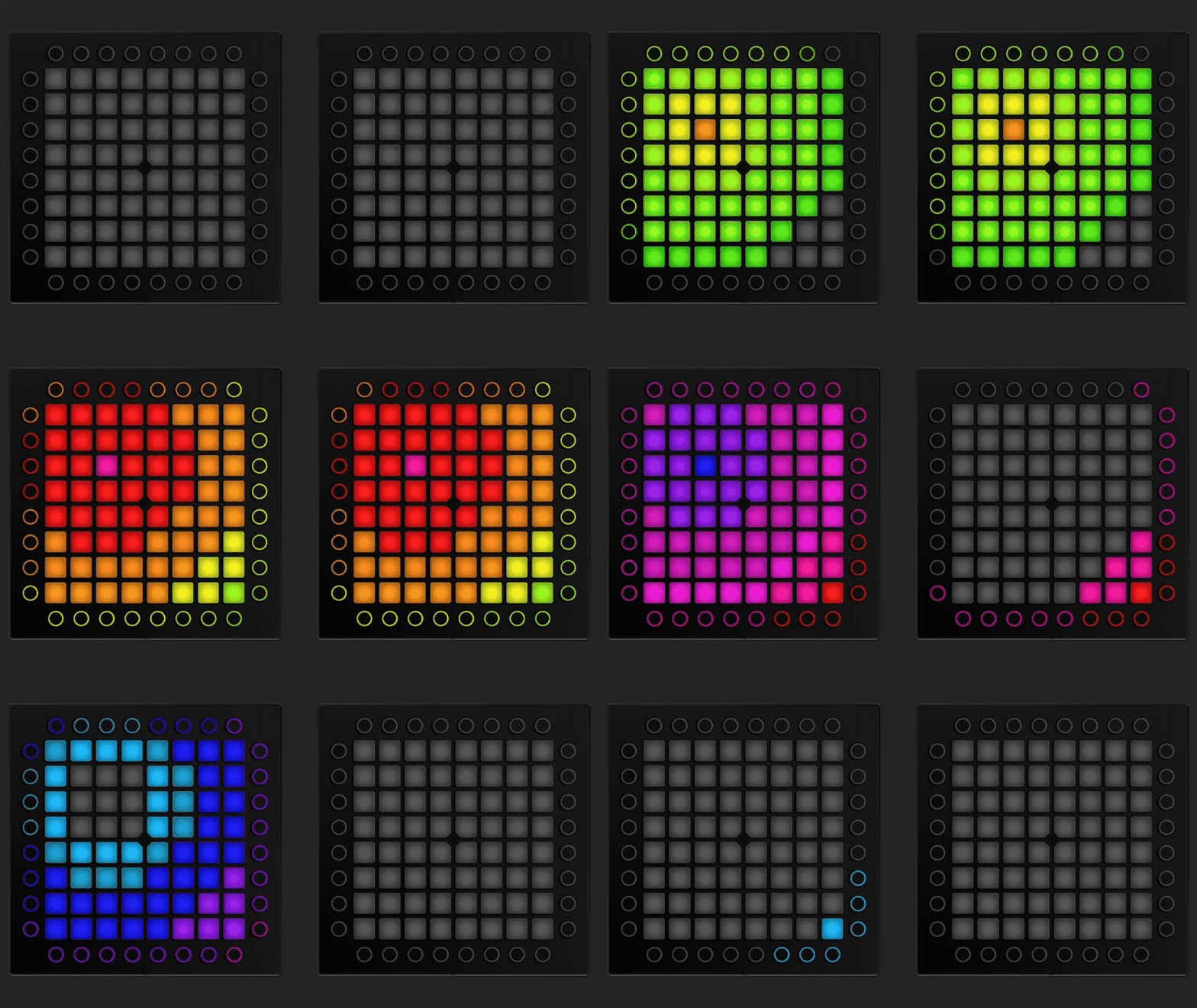
Hold: On
Hold: Off
You say when…
Also new to Resonator v4.0, Gradient Hold mode enables you to choose between allowing a gradient to fully complete before ending the generated effect, or release a generated effect early, rather than waiting for the gradient to finish. This can be especially useful with fast moving melodies, or precisely timed effects. Only possible in Resonator v4.0 and newer.
Return to home.
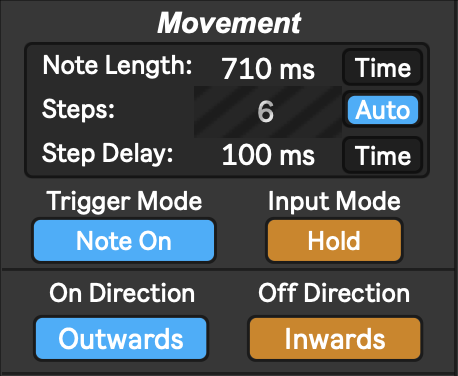
Resonator movement gets an overhaul in Resonator v4.0, now enabling many more combinations of on/off behaviour, never before possible. Enable outwards-on, inwards-off at the same time, triggered once via Note On, or twice via Note On&Off. Input mode can be changed between Hold or Time. Time ignores the input note off and automatically generates a note off at a specific time after the first note on is received, where as Hold allows both the note on and note off to pass through at their respective times, great for precise input control, and modifying passing MIDI.
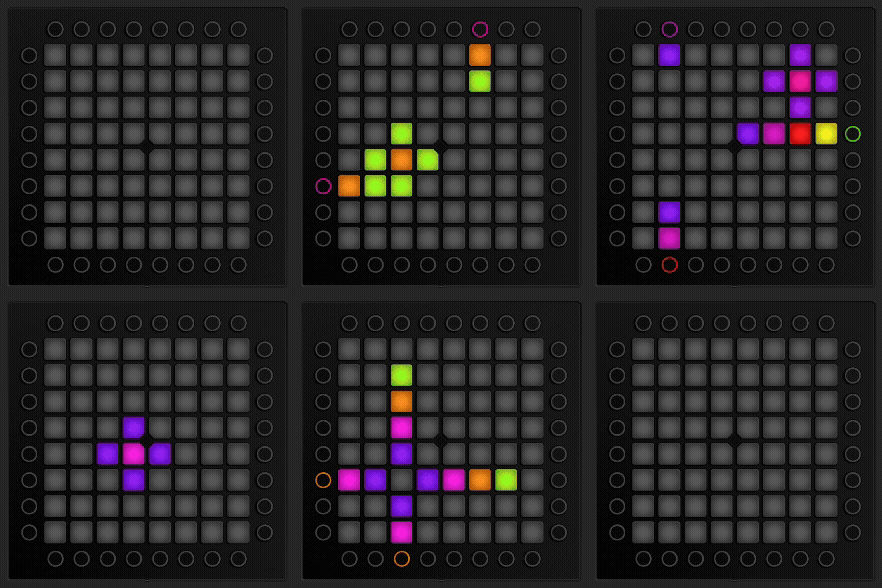
All the colours of the rainbow. Literally.
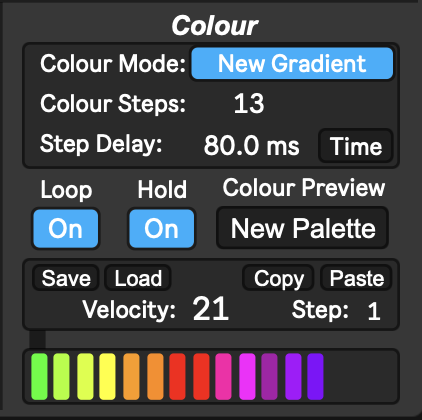
Resonator’s colour control enables precise gradient control, matching that of Eyedrop, with a 16 colour gradient selector, all gradients are automatically applied to any outgoing MIDI. Custom palettes can be loaded in to preview gradients on different devices, and gradients created straight from Eyedrop can also be directly imported here. More gradients can be found here. Precise timings of the gradient can also be set to change the time between each colour. This can be set either via Time (ms) mode, or Sync, and sync to the project’s BPM. New to Resonator v4.0, colour mode can also be set to pass through to allow all colours already set to pass straight through Resonator. New-Gradient mode will directly override the passing colour and apply the saved gradient at the desired speed. Gradients can also be copy-pasted between Resonator instances. Turn on Loop mode to enable constant feedback of your selected gradient.
Launchpad, and beyond…
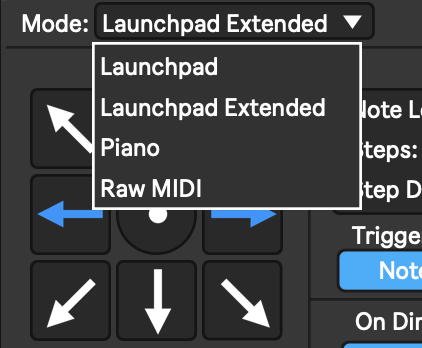
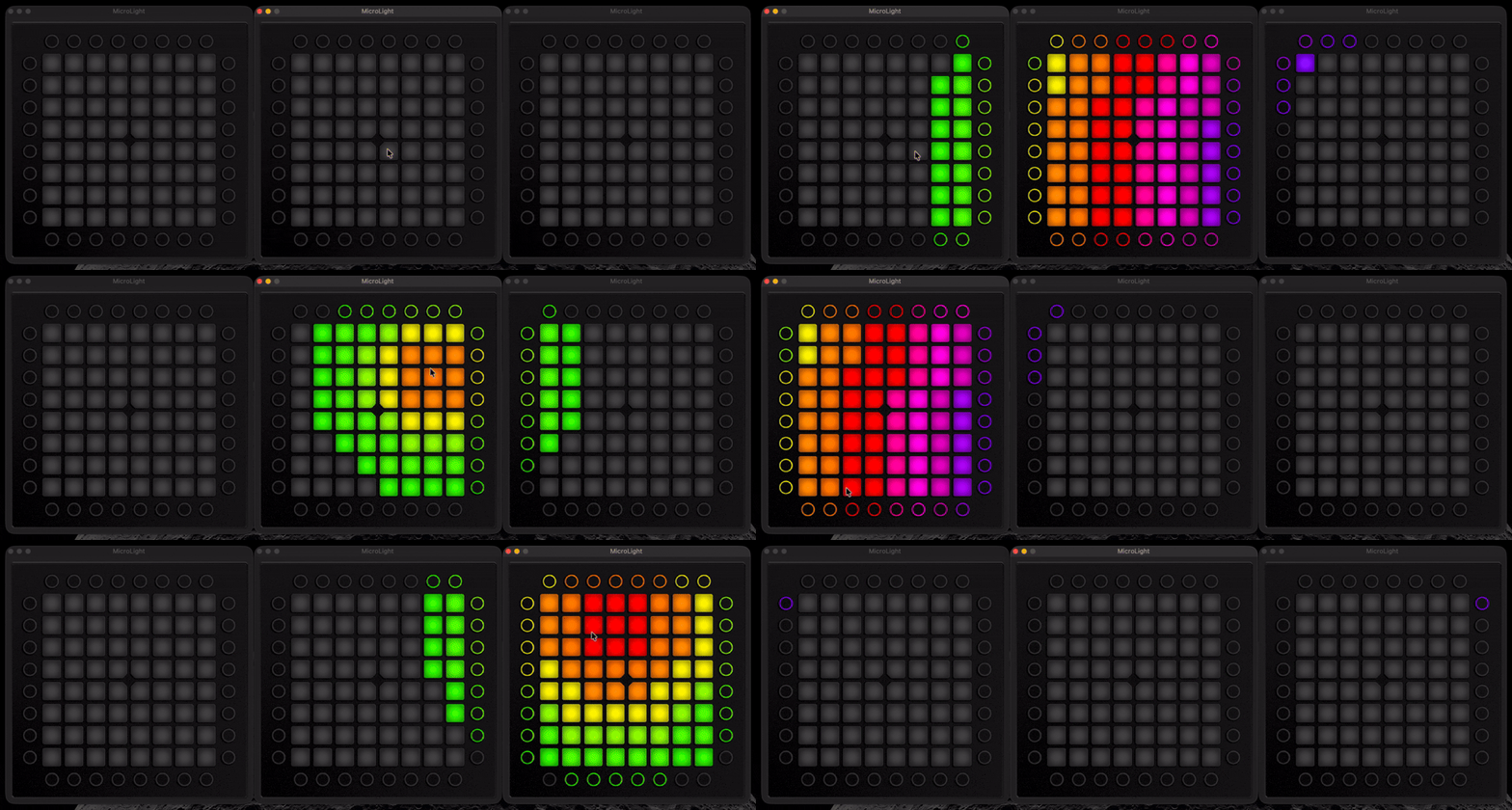
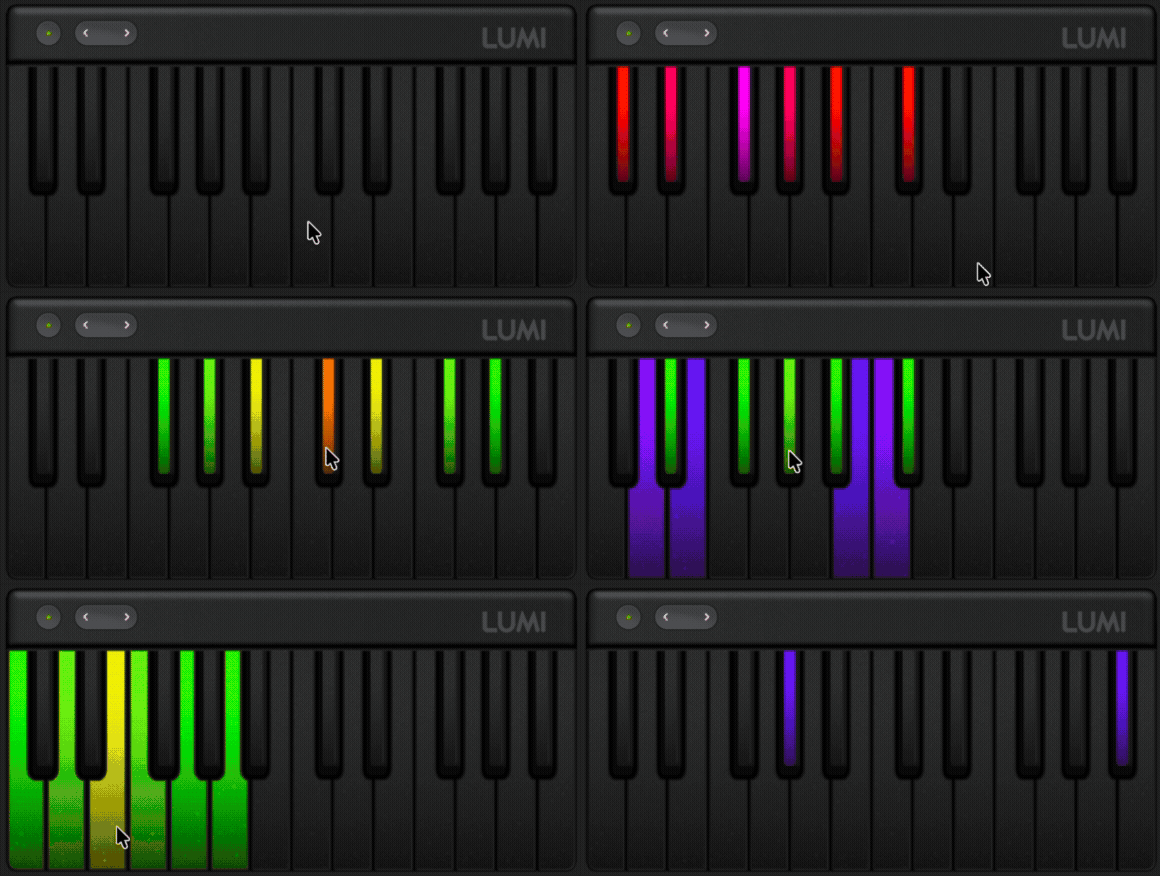
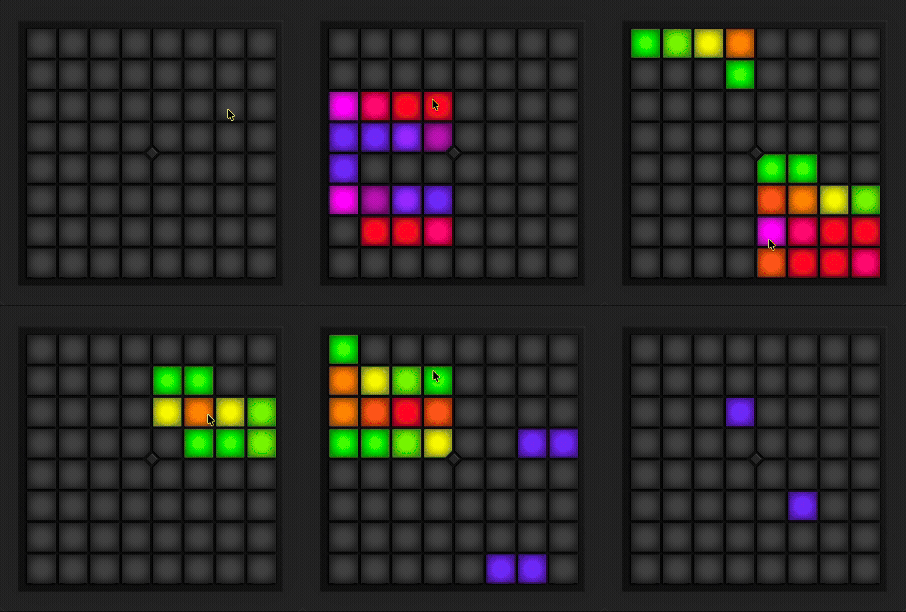
Resonator does more than just Launchpad based effects, Resonator can also send procedurally generated effects across multiple Launchpads with Launchpad Extended mode, or send reactive visuals to LED Piano controllers like the Roli LUMI with Piano mode, or even, LED strips, or other type of sequential LEDs, using Raw MIDI mode.
See Launchpad Extended mode in action:
See Piano Mode in action:
See Raw MIDI Mode in action:
How to use Resonator
Resonator is very simple to set up, simply download and drag it into a chain within your Launchpad or other MIDI project. Resonator responds to MIDI that flows through it, and generates new MIDI sent to the output.
No specific requirements of file location. Tested and confirmed as functional with Ableton 11.3.43 and higher, and Max 8 (Lower versions should still work). Live Suite or Trial is required to run this plugin.

Alternative Setup:
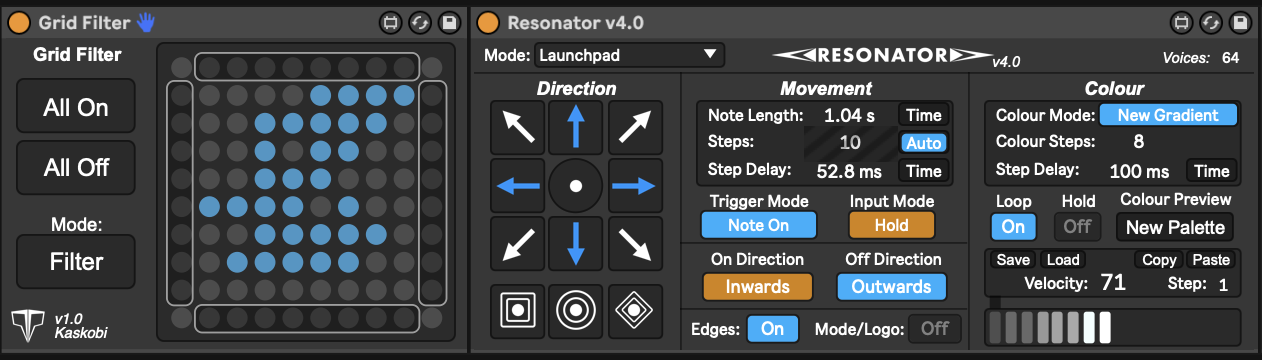
Add a Grid Filter before Resonator to limit which button inputs trigger the Resonator effects, this can be especially useful in highlighting a particular area or melody within your project.
Changelog
Resonator 4
v4.0
New! Note rendering framework re-built from the ground up with an all new sequential layering & priority system to allow for consecutive activated Resonators to stack on top of each other and not interfere with other active Resonators.
New! Gradient hold mode now allows for a gradient to be released before completing, rather than waiting out the gradient to complete
New! Added new scheduling system to assist resonator effects that have opposing on/off directions
New! Enabled new combinations of Note behaviour & Note on/off direction with gradient and colour passthrough
New! Added Voices control to limit maximum number of Resonator actions active at once to manage both MIDI output styles and system resources
Fixed an issue where some notes may get stuck if a note is held while a setting is updated, can now also be triggers by Ableton playback stopping
Updated internal palette to more accurately reflect real Launchpad colours
Added futureproofing update for Eyedrop 3.2.1 to global share palette to project
Added new default gradient to match Eyedrop 3.2
Added new toggle to allow passthrough of the Mode Light (Launchpad Pro), or the Logo Light (Launchpad Mini MK3, X and Pro MK3)
Added ability to automate parameters such as step delay in both Movement and Colour
Added sequential layering of note on vs note off actions when trigger mode is set to Note On & Off
Added Velocity Pass-through for note on/off and hold modes
Tweaked Auto-steps to now more accurately calculate distance to Launchpad edge when Edges toggle is disabled.
Increased Gradient Velocity limit from 1-127 to 0-127
Refined timing issues between inverse note on and note off commands
Fixed an issue with auto-step count not correctly adjusting when Launchpad edges was disabled
Fixed Circle generation mode to prevent duplicate notes
GUI Tweaks
Fixed a bug where loop control would intermittently not save with the project
Fixed a bug where auto-step would send an action to undo history each time a new resonator was triggered.
Fixed a bug where auto-step selection would not save with project
Fixed a bug where custom palettes would sometimes not display
Fixed a bug where a step count high enough to cause notes above 127 would loop back to point 0 and not disappear
Resonator 3
v3.0.1
- UI Re-design
- Stability Improvements
- Added support for Amethyst project conversion
v3.0
- Added support for Square resonators
- Added support for Diamond resonators
- Added support for Circular resonators
- Added new Piano mode for resonation across just white or black keys
- Added new Raw MIDI mode targeted towards LED strips and other single-axis devices
- Added bpm sync control to note length, step delay and color step delay
- Added support for up to 45 resonation steps in Launchpad mode, and 128 in Piano or Raw MIDI modes
- Added new Note on and Note on&off trigger modes
- Added support for addressing inverse note-ons and note-offs independently
- Added velocity pass-through mode
- Added up to 16 color steps in gradient mode
- Added note on loop mode to loop the gradient until the note is released
- Added palette loader to preview gradient colours inside the color window for different devices like Launchpad S or Roli Lumi
- Added function to save and load gradients
- Added support for inverse resonations to work across up to three launchpads away from the main pressed Launchpad
- Added new UI for choosing Launchpad position in relation to the pressed Launchpad, allowing for up to 25 devices in series
- Added support for layering multiple resonators with velocity pass-through mode
- Reworked copy/paste functionality of gradients
- Reworked control over Launchpad Edges command
v2.0
- Added support for limited movements
- Added support for gradients
- Added support for secondary and tertiary Launchpad positions
- Added support for hold mode
- Added support for velocity throughput
- Added support for 10x10 and 8x8 grids
- Added support for copy and paste between note lengths and gradient colours
- Removed square and diamond resonators
v1.0 (Formerly LineGen)
- Added support for different generated light effects