
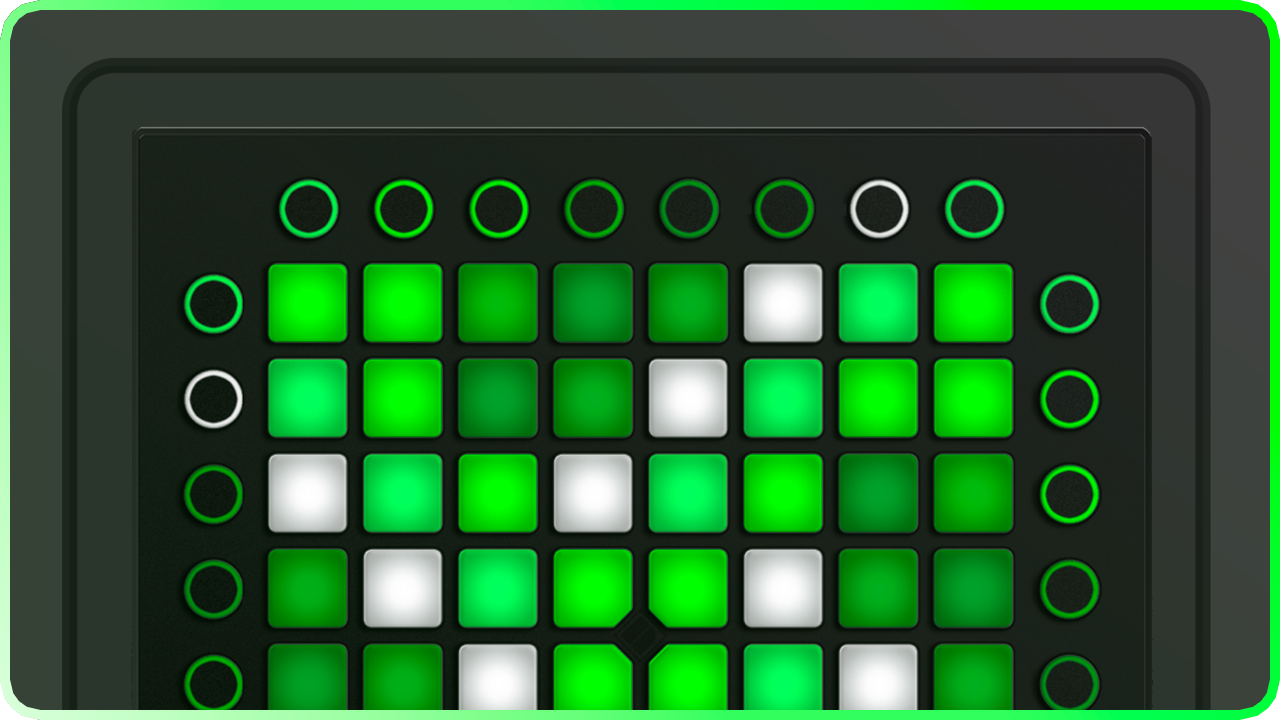
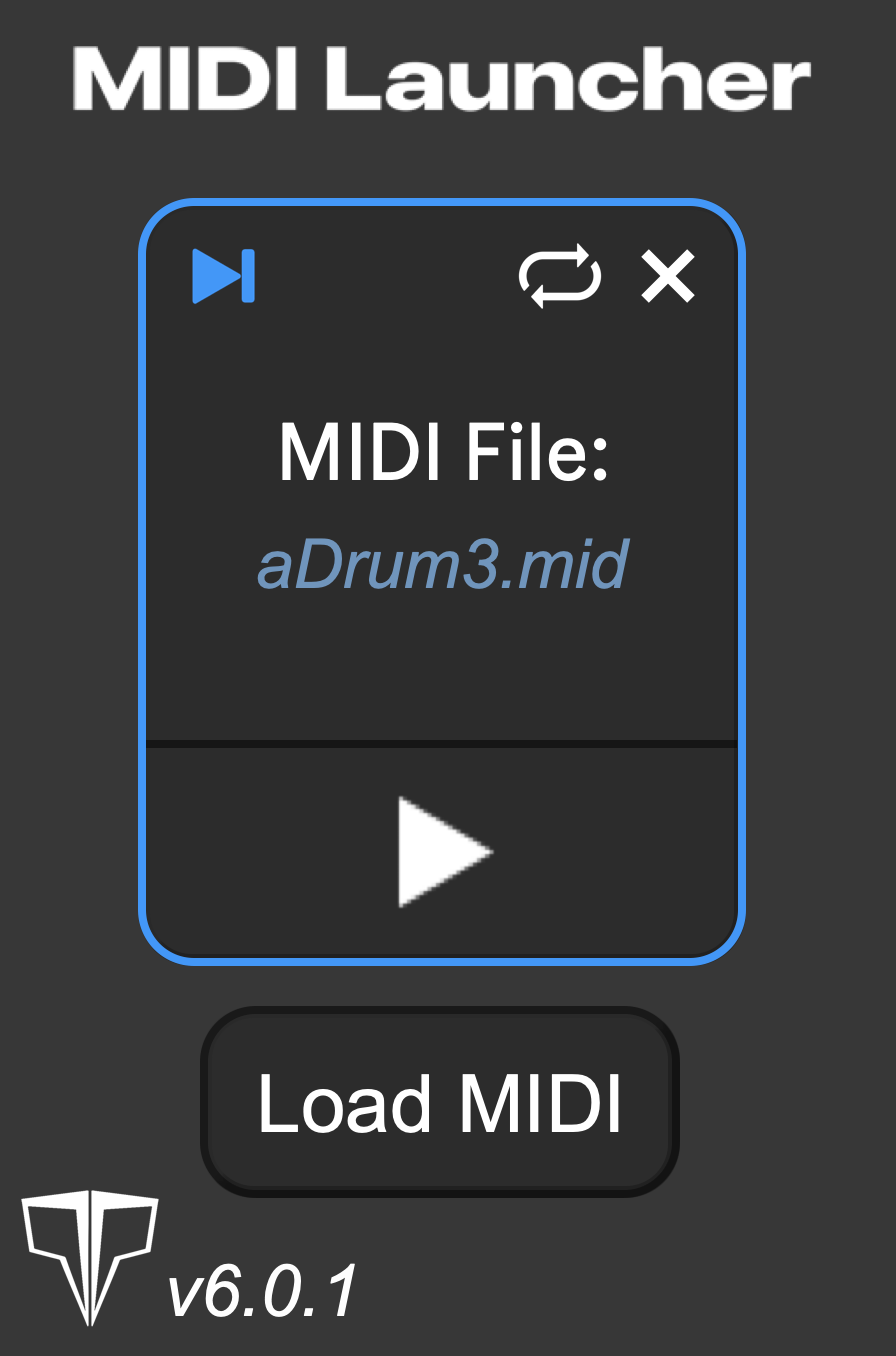
The go-to MIDI Clip Launcher
The heart and soul of modern visual performances. MIDI Launcher enables quick playback of MIDI clips at the press of a button, enabling fast and compelling visual performances.
Designed with Launchpads and grid controllers in mind, MIDI Launcher is the quickest and smartest way to play back your MIDI clips, such as lightshows. MIDI Launcher v6 brings some of the best and most streamlined updates yet. v6 brings a new name, and quick editing features such as Skip Silence, and quick reload, for making quick changes to your MIDI clips, and re-loading them in place.
MIDI Launcher will make your Launchpad performances absolutely shine.
The long awaited update to the classic MIDI file loader for Ableton Live and Launchpad Projects
Skip to the good part
MIDI Launcher features a never before seen quality of life feature, the ability to skip the silence at the start of a MIDI clip, an issue commonly experienced when exporting MIDI from the middle of an Ableton Live arrangement.
Simple file controls
File management has never been so easy. MIDI Launcher features a quick toggle to remove the saved MIDI clip within your Launcher, as well as a Refresh button to quickly reload the saved file if you make any changes to the existing MIDI file, helping a huge amount in those bigger projects that require a lot of effects, with a lot of changes. New to MIDI Launcher v6, press the Load MIDI button to simply open a MIDI file direct from your file viewer, without having to drag and drop.
How to set up MIDI Launcher
MIDI Launcher is very simple to set up. Max for Live is a requirement, which is automatically installed if you have Ableton Live Suite or Trial. Insert MIDI Launcher in a regular chain and drag the effect into the MIDI file box.

Usage
This plugin is used to make a MIDI clip trigger based on an input from a regular MIDI message through a MIDI effect rack. This enables the use of an exported MIDI file to be re-triggered by a MIDI input signal from a MIDI controller such as a Launchpad. This was not previously possible before MIDI Launcher existed and had to be done through very precise usage of MIDI effects built into Ableton Live. This plugin removes the need for those effects and allows for much more precise MIDI file craftsmanship to be re-played through this plugin and output to whatever MIDI device you like.
CHANGELOG
v6.0.1 (Released Sep 27th 2026)
Added new refresh button to quickly reload the saved MIDI clip if any changes are made to the saved MIDI clip.
v6.0
New name! Introducing MIDI Launcher.
New! Added play controls to MIDI interface
New! Added button to Load MIDI from Finder or Explorer alongside drag&drop box
New! Added “Skip Silence” control. A toggle to jump to the start of a MIDI clip and instantly play the first note of the clip.
v5.0
- New name! MIDIext Lite
- File size reduced from 41kb to 23kb
- Removed speed control
- Removed Choke control
v4.3
- File size reduced from 85kb to 41kb
v4.2
- Fixed a bug where overwriting MIDI files would cause effects to freeze
v4.1
- Percentage dial extended to 1 - 250% and changed to float value over int
v4.0
- UI overhaul
- Removed Shift controls (Can be re-enabled with a pitch device after MIDIext)
- Removed Mirror
- Removed Rotation
- File type recognition support - disregards anything apart from MIDI files
- File size hugely reduced from 135kb to 85kb
v3.0
- Added support for light effect choke between MIDI Extensions
- Removed Key Tracking
- Removed Pre - Delay
- Removed speed link
- Increased pitch-shifting range
- Major Redesign
- File size hugely reduced from 160kb to 135kb
- Removed MIDIext Slim variant
- Re-added the play button from MIDIext1.0
v2.3
- Added support for MIDIext1.0 conversion through mat1jaczyyy’s Lightweight converter.
- Image file compressed
- File size reduced from 165kb to 160kb
- Minor UI changes
v2.2
- Updated to 2.2 due to pitch compatibility issues
- Root note changed to “Pitch”
- Pitch range increased to 255
- Reset button resized
- Speed control & Delay link fixed
- Interaction disabled with the BPM control when BPM sync is on, turn off BPM sync to add a manual BPM
v2.1
- Overall re-design
- File size reduced from 189kb to 166kb
- Added MIDI file stopping functionality from MIDIext2.1 Master
- Fixed a bug where lights would freeze when swapping an effect during playing
- Fixed a bug where lights would freeze during changing any of the modifiers
- Modifiers title text removed
- Fixed a bug where Key Tracking values would be incorrect when pressing more than one button at the same time
- Added a link toggle between MIDI file speed and pre-delay to add a multiplier to the pre-delay to aid cross Launchpad effects
- Key-tracking toggle replaced with a toggle between Static mode and Key Tracked mode
- Reset button also clears already playing effects
- Pre-delay time maximum upgraded from 1 beat to 4 beats
- Reset button fixed to grab BPM for BPM sync again when effects are reset
- Divider added between Speed & Time modifiers, and Position & Mapping Modifiers
- Fixed a bug where root note would not save with the project in some cases
v2.0 Developed by Kaskobi
- Updated design
- Assignment file saving/loading removed, saving occurs in the Ableton Live project so no save file is needed and load times are 0
- Added more intuitive play controls to preview the light effect on your Launchpad
- Specific file directories removed, however, you must “Collect all and save” if you want other performers to play your project
- Modifier effects added to change the light effect after being exported such as Speed, Rotation, Mirror and more!
v1.0 Created by Exige
- MIDI file assignment in chains introduced
- Light effect assignment achieved through saving and loading the save file
- Tempo controls to adjust the speed of the light effect
- Mono & Poly control to determine the overlap of the light effect
- Specific plugin directories needed